Actor Life Span
Utility the Life Span attribute to determine the duration of the actor’s existence.
Blueprints
C++
Tezenari@Tezenari
•Updated 3 years ago
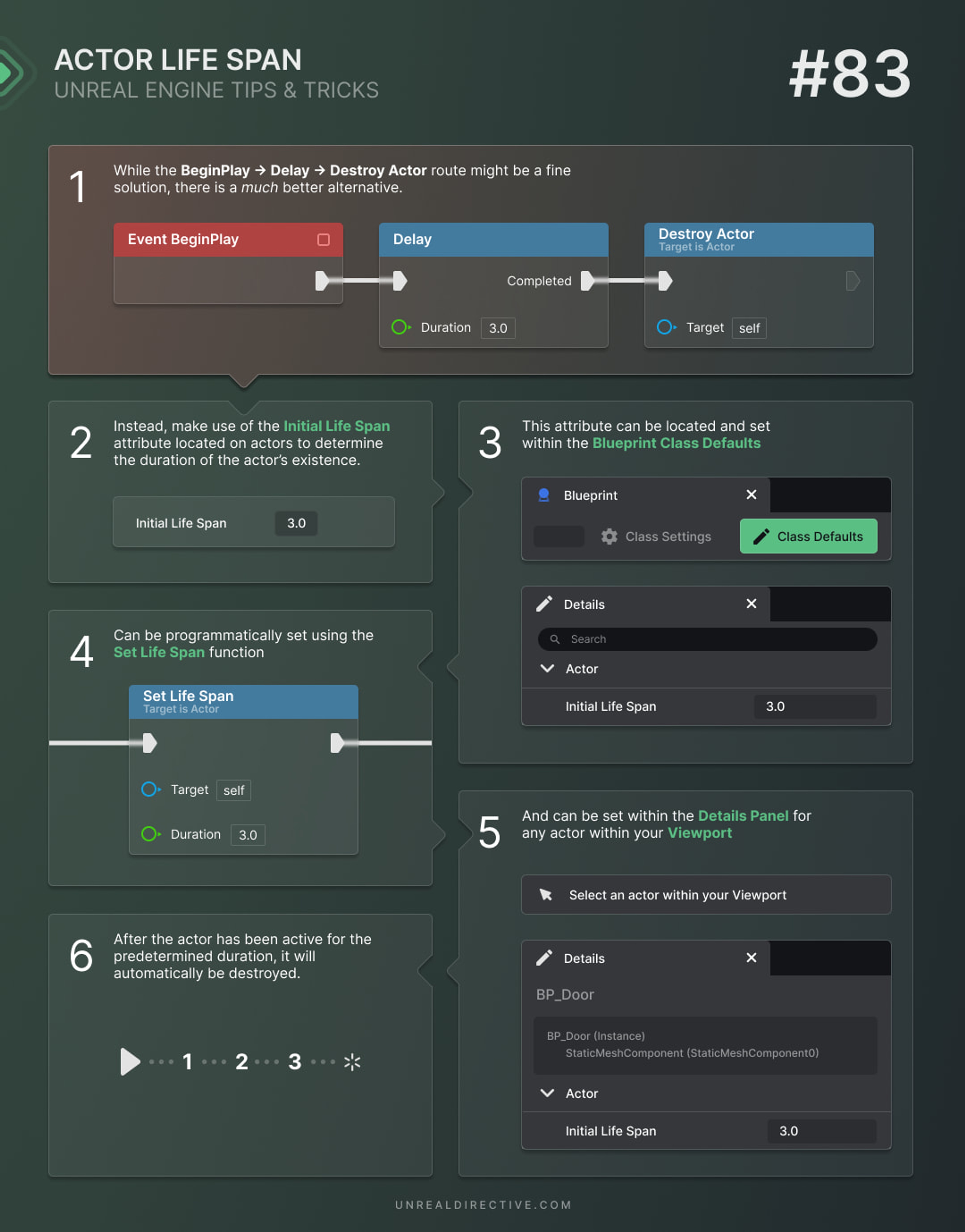
Utility the Life Span attribute to determine the duration of the actor’s existence.
When developing a game, it's crucial to manage the lifespan of actors for optimal performance and game logic. Fortunately, Unreal Engine offers a helpful tool for this: the Actor Life Span attribute.
This attribute allows you to set a predetermined lifespan for an actor, after which it will be automatically destroyed. This approach offers more flexibility compared to the BeginPlay → Delay → Destroy Actor method.
The Actor Life Span attribute controls how long an actor will be present in the game world, measured in seconds. Once the life span timer reaches zero, the actor is automatically destroyed, freeing up resources and ensuring efficient memory management.
By utilizing the life span attribute, you can easily manage the duration of temporary objects, effects, and other game elements without the need to manually track and destroy them.
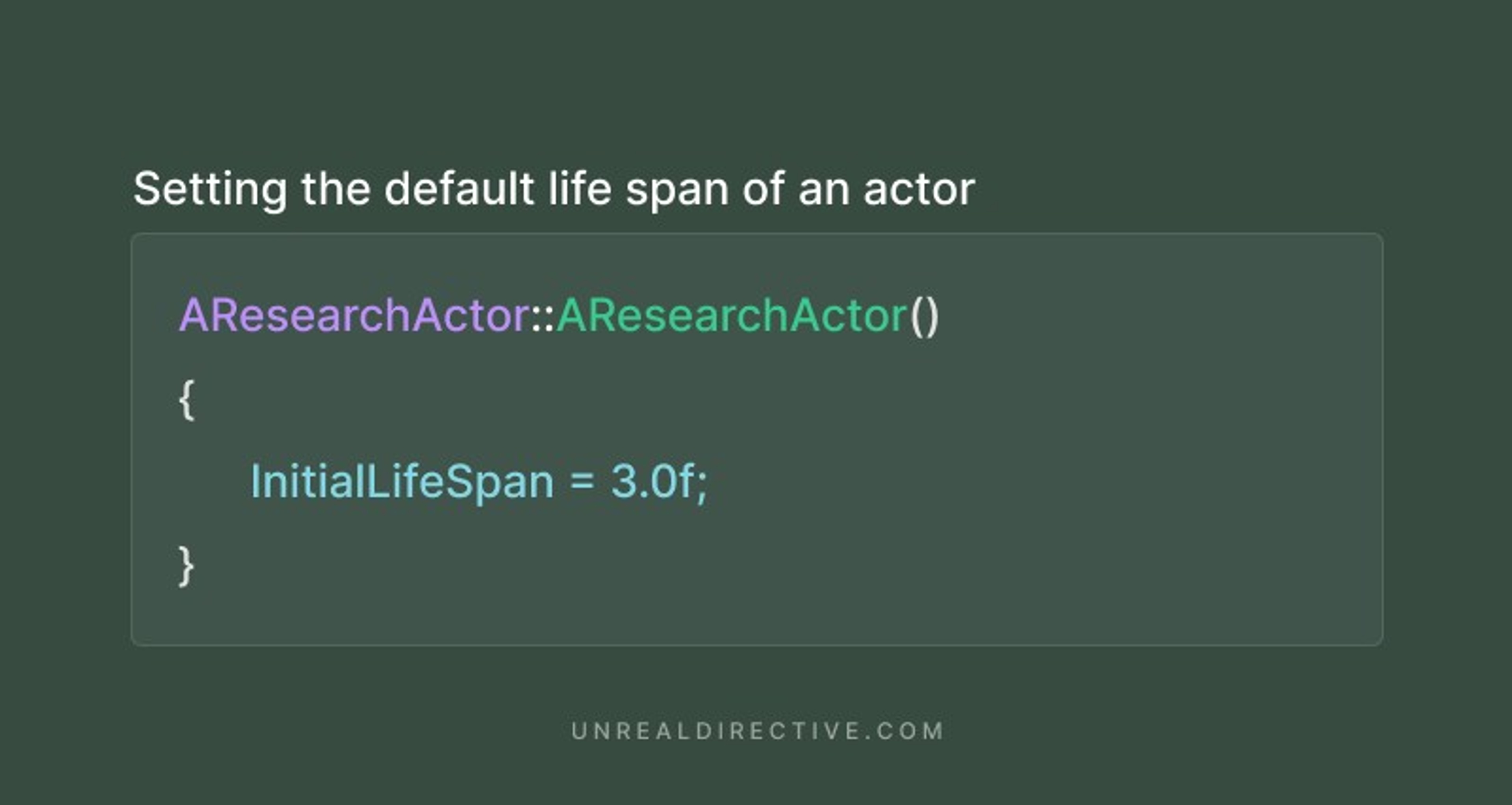
The life span of an actor can be set multiple ways —
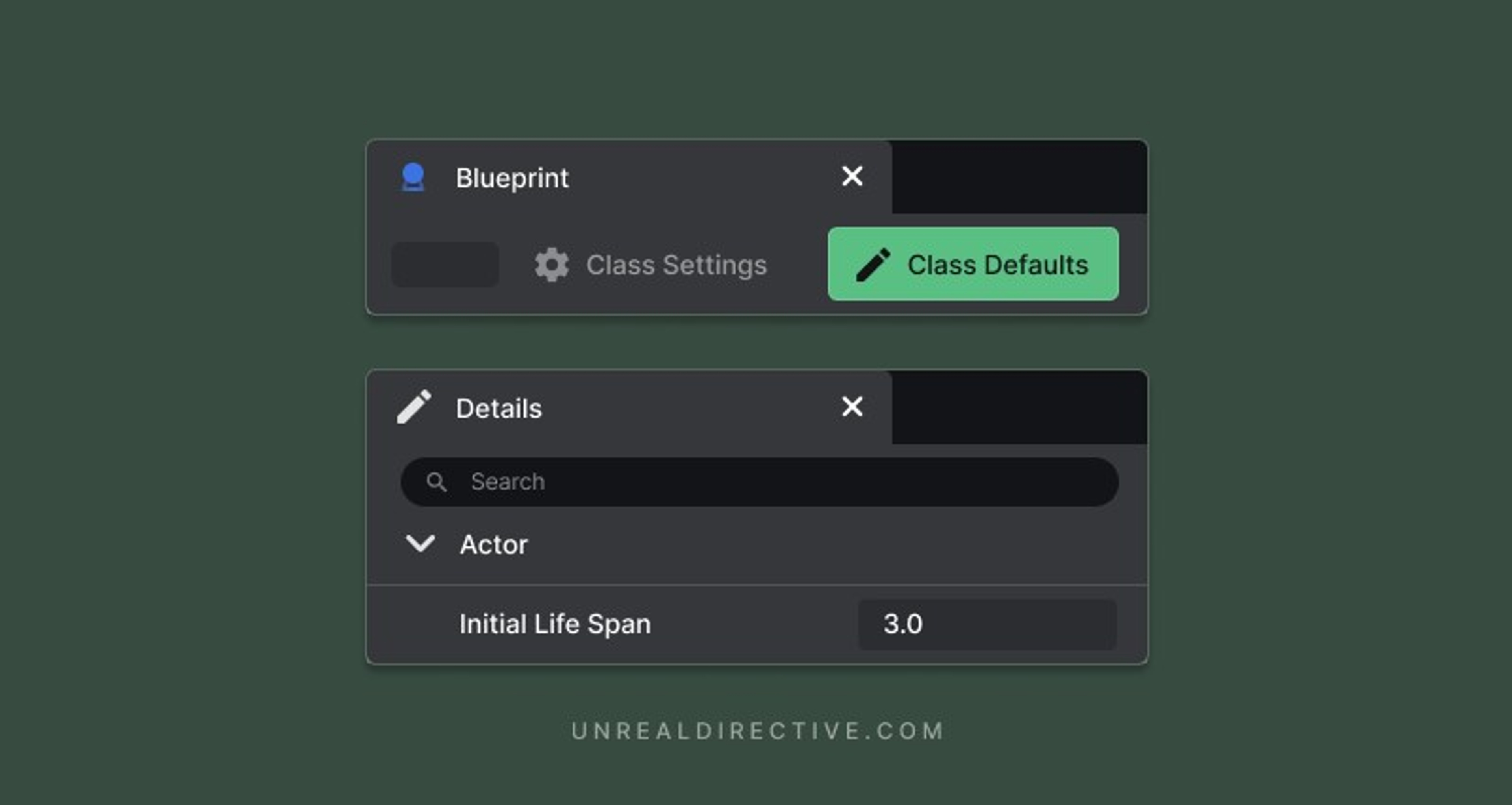
The Initial Life Span attribute can be found in the Actor Class Defaults. Changing this attribute will ensure that the blueprint is automatically destroyed once it has existed in the game world for the specified length of time.

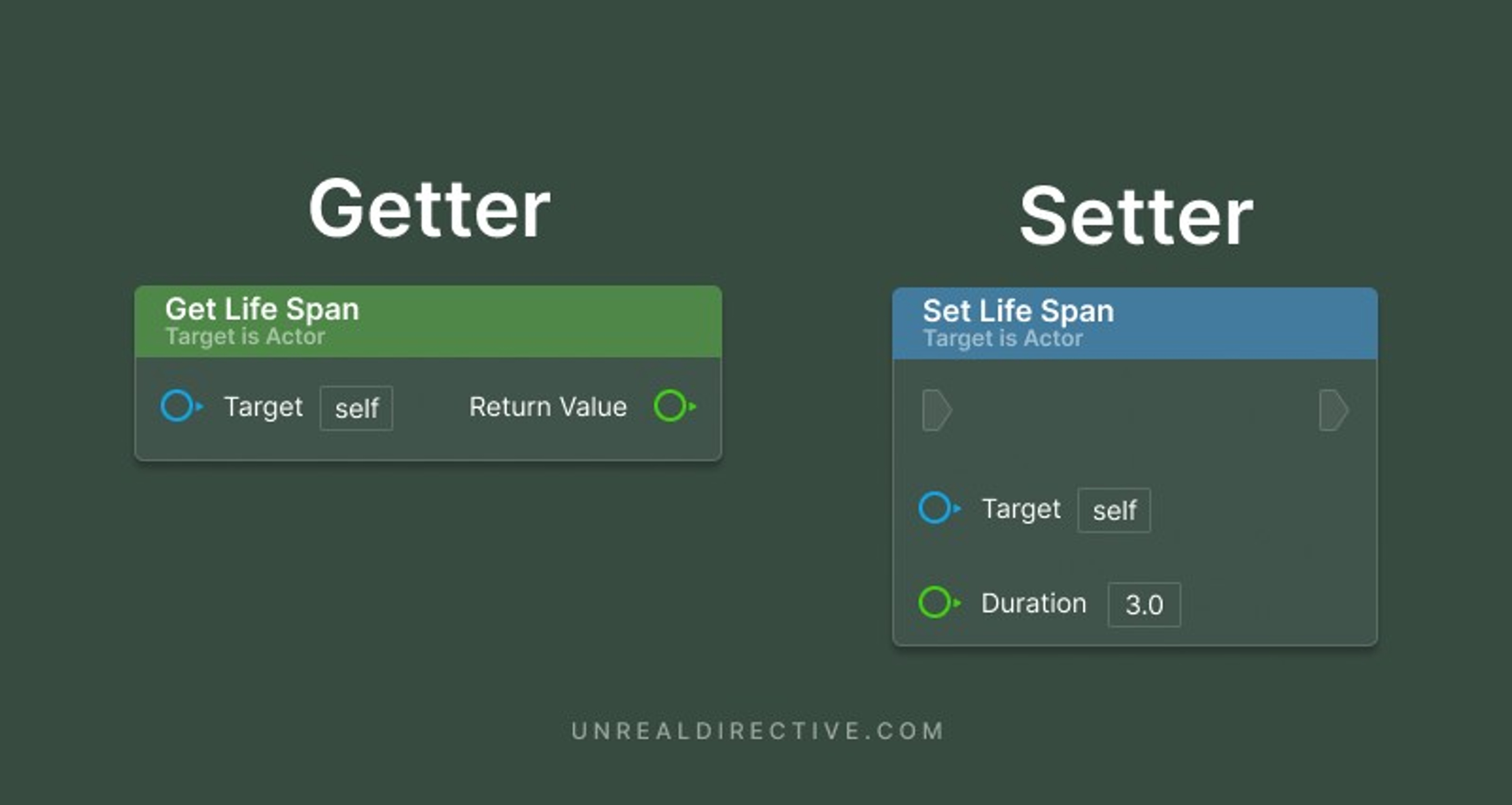
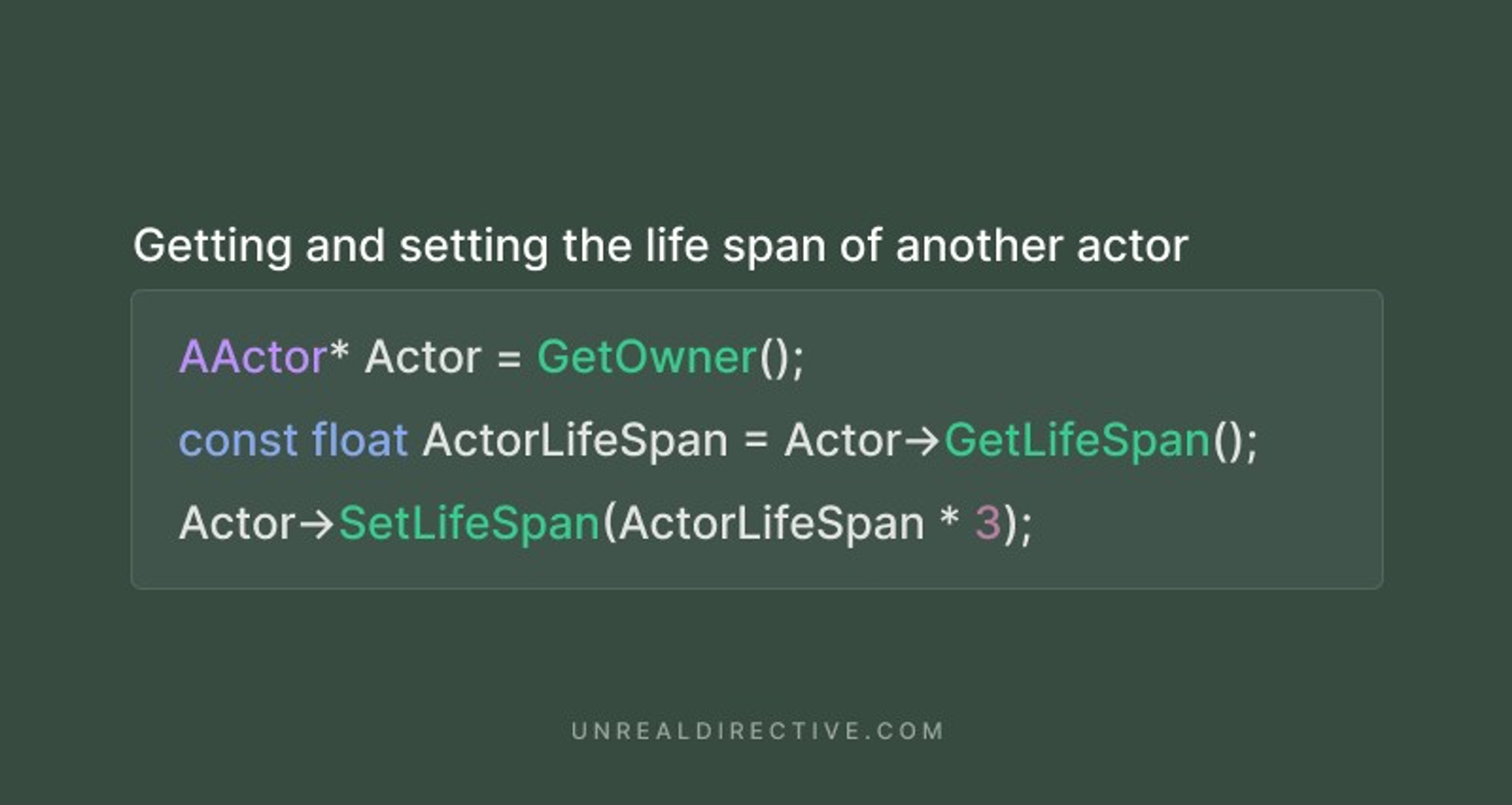
To retrieve and adjust an actor's lifespan during runtime, you can use the Get Life Span and Set Life Span functions.