

Hide Editor Grid Lines
TezenariUpdated 4 years ago|
Blueprints
Editor
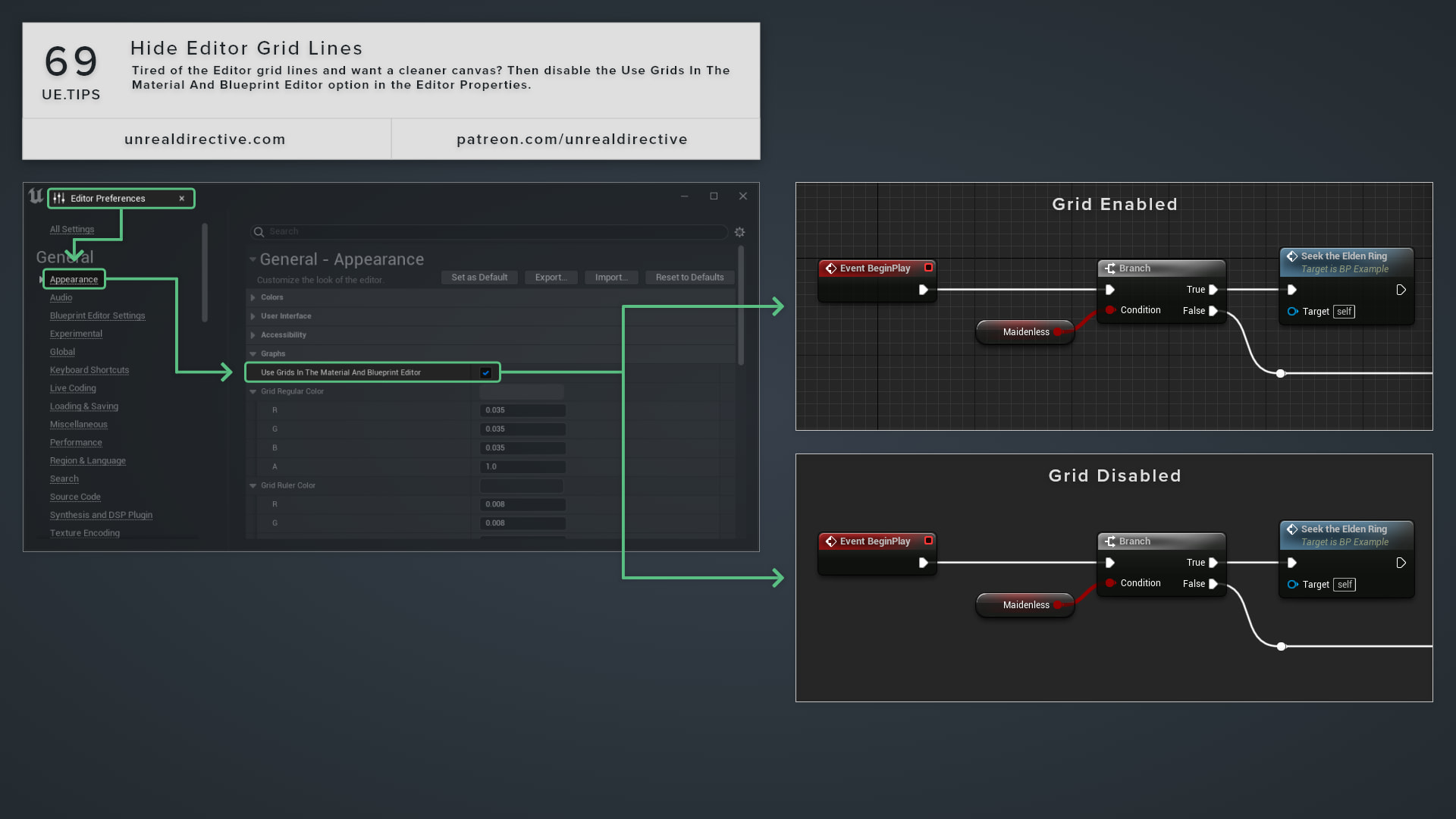
Tired of the Editor grid lines and want a cleaner canvas? Then disable the Use Grids In The Material And Blueprint Editor option in the Editor Properties.
I personally enjoy having a no-grid canvas as it cleans up visual clutter, and improves screenshot possibilities.
06/More Tips
Quick Property Copy & Paste ShortcutsVastly speed up the copy and pasting of property values by using these handy shortcuts.
Shortcuts
Blueprints
+1
Blueprint Node Compiling OptionsStreamline Blueprint debugging by enabling this editor setting.
Blueprints
Functions
+2
Custom Primitive DataLearn how you can use Custom Primitive Data to easily modify Scalar and Vector material parameters without needing Dynamic Material Instances.
Materials
Static Meshes
+2
The Format Text NodeUtilize the Format Text node to integrate custom data into your text elements.
Blueprints
Variables
Actor Life SpanUtility the Life Span attribute to determine the duration of the actor’s existence.
Blueprints
C++
Direct Object Array FunctionsSkip the iteration and execute object array functions directly.
Functions
Blueprints