

Quick Property Copy & Paste Shortcuts
Copy and paste Details panel property values with Shift + Right Click and Shift + Left Click.
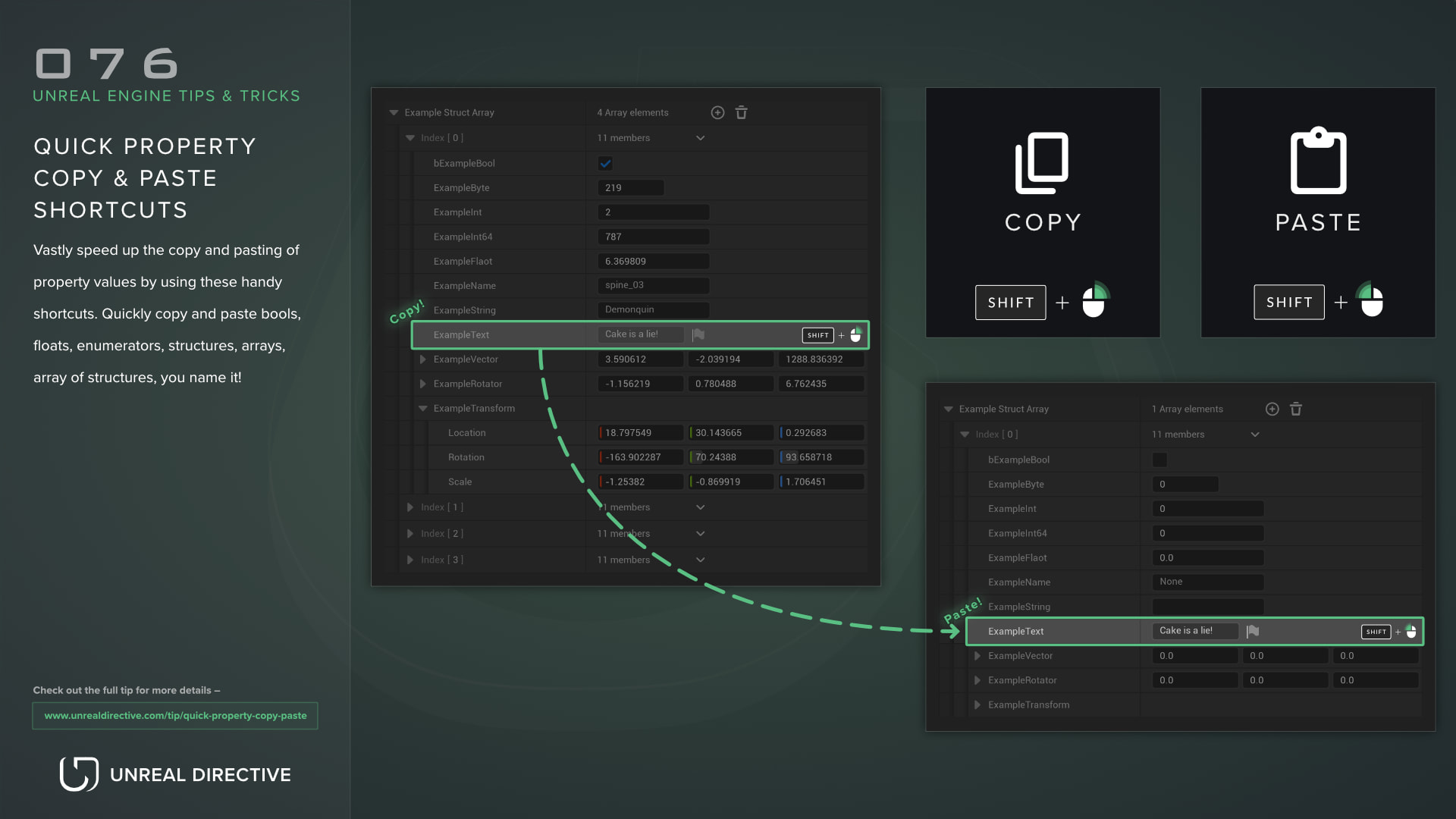
Copying and pasting property values can be quite the hassle when dealing with multiple properties in quick succession.
This usually involves right-clicking a property to open the context menu, selecting Copy, right-clicking the property you want to override, and then selecting Paste. While functional, it’s quite inefficient.
Thankfully, the Details panel has mouse shortcuts that skip the context menu entirely.
| Action | Shortcut |
|---|---|
| Copy a property’s value | Shift + Right Mouse Button |
| Paste into a property | Shift + Left Mouse Button |
Property quick copy
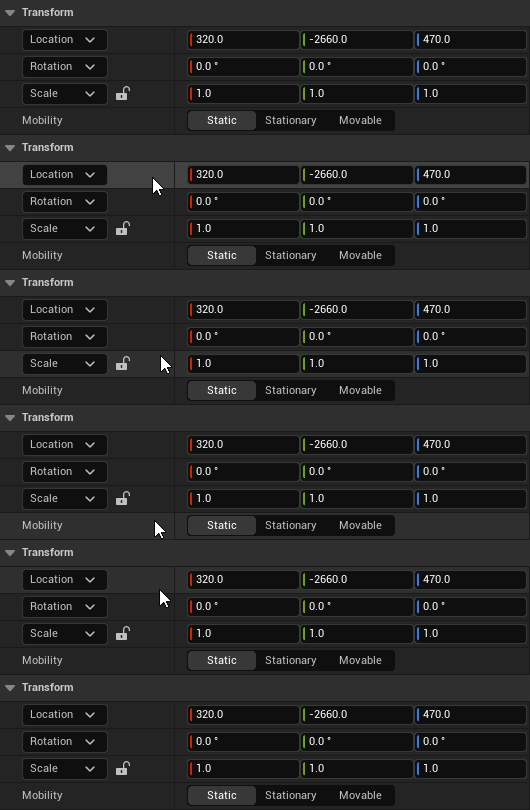
To quickly copy a property’s value, hold down Shift and right-click the property. The property’s row flashes once the value is copied.
Property quick paste
To quickly paste the copied value, hold down Shift and left-click the target property. The property’s row flashes once the value is pasted.
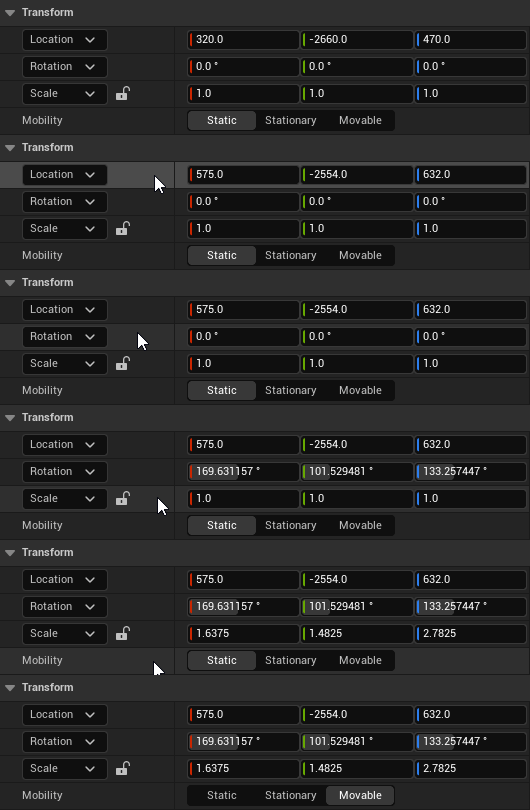
These save a tremendous amount of time when you need to copy and paste multiple properties, especially when dealing with structures and arrays.
Can I copy a whole category at once?
Yes. The same shortcuts work on category headers. Shift + Right Mouse Button on a header copies every property in that category, and Shift + Left Mouse Button on a matching header pastes them. The right-click menu on a header has the same actions as Copy All Properties in Category and Paste All Properties in Category.
Frequently asked questions
Where does the copied value go?
It goes to the system clipboard as text, so you can paste it into a text editor or another editor window.
Why won’t the value paste?
Pasting only works when property editing is enabled in that Details panel.
Links
Check out the following resources to learn more about the subject.
Unreal Directive is free and ad-free.
If it saved you time, you can help keep it that way.