

GPU Visualizer
Use ProfileGPU and the GPU Visualizer to capture one frame of GPU work and find the most expensive passes.
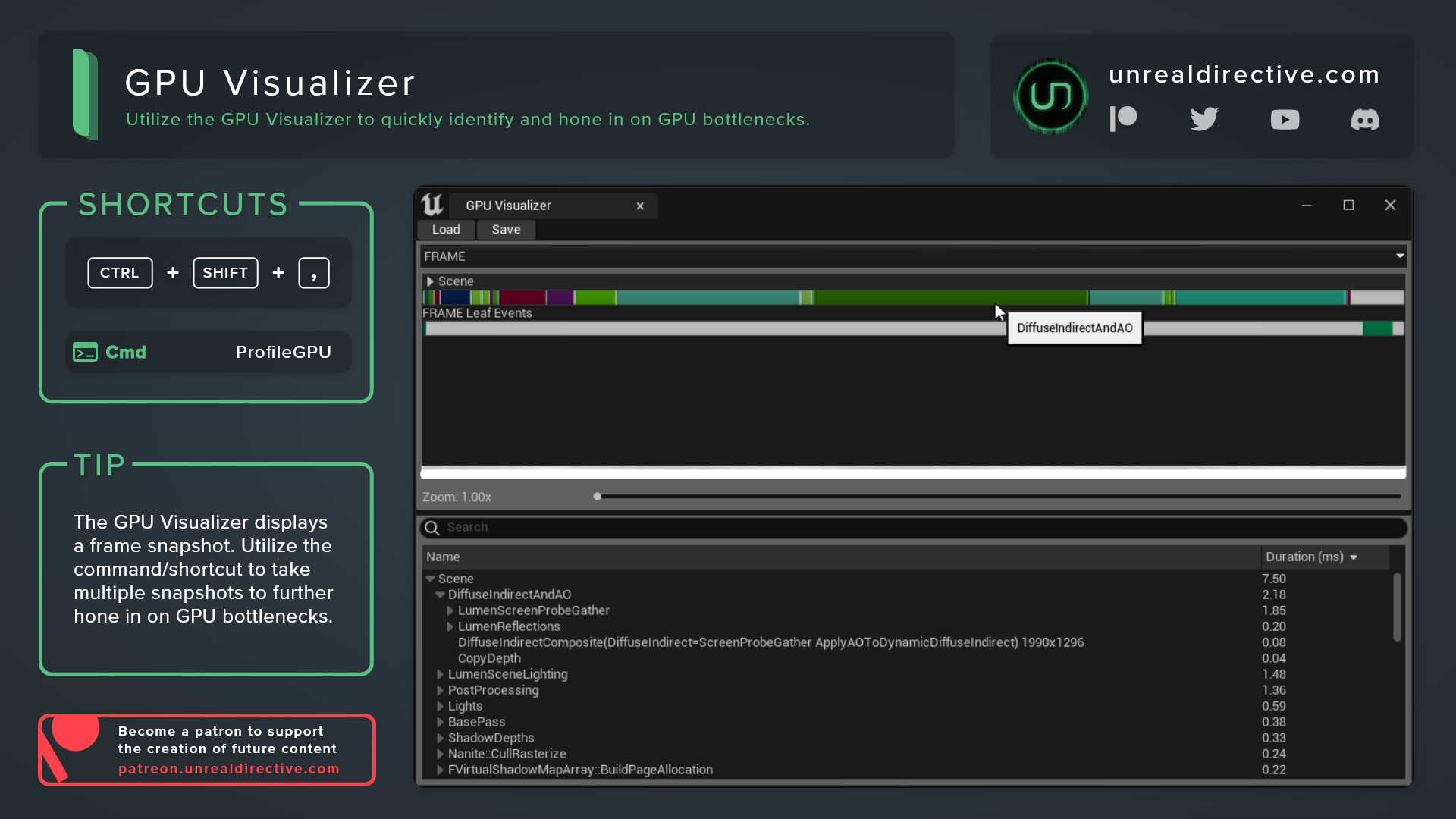
Use the GPU Visualizer to quickly identify and hone in on GPU bottlenecks. It captures a single frame of GPU work and breaks it down pass by pass, so you can see exactly where the GPU time goes.
How can I open the GPU Visualizer?
Run the ProfileGPU console command, or press CTRL + SHIFT + , in the editor, and Unreal captures the next frame of GPU work.
The results open in a visualizer window with a bar graph of the frame and a tree of render passes with their durations. From there, expand the most expensive passes to see what’s inside them.
How can I adjust the output?
The same results always print to the Output Log as a table, and these console variables shape that output:
| Console Variable | Default | Description |
|---|---|---|
r.ProfileGPU.ShowUI | 1 | Opens the visualizer window after profiling. Set to 0 for log output only. |
r.ProfileGPU.Root | * | Filters the tree to events matching this pattern. The match is case sensitive. |
r.ProfileGPU.ThresholdPercent | 0 | Hides events smaller than this percent of the frame. |
r.ProfileGPU.Sort | 0 | Sorts the log tree. 0 chronological, 1 by time, 2 by primitives, 3 by vertices. |
r.ProfileGPU.TableFormatting | 1 | Set to 0 for a compact, indented list instead of a table. |
r.ProfileGPU.ShowLeafEvents | 1 | Shows events that have no draws of their own. |
r.ProfileGPU.TableFormatting and r.ProfileGPU.UnicodeOutput are new in Unreal Engine 5.8.
Frequently asked questions
Where are my async compute passes?
The visualizer window shows the graphics queue only. Async compute and the other queues appear in the Output Log.
Can I use ProfileGPU in a packaged build?
ProfileGPU is compiled out of Test and Shipping builds by default, so it’s ideal to profile in a Development build.
Is there a live version of this?
Yes. Use stat GPU for a live readout that updates every frame instead of a single captured frame.
Links
Check out the following resources to learn more about the subject.
Unreal Directive is free and ad-free.
If it saved you time, you can help keep it that way.