

Session Frontend
Record a trace from the Session Frontend's Trace Control tab and open it in Unreal Insights to find CPU and GPU bottlenecks.
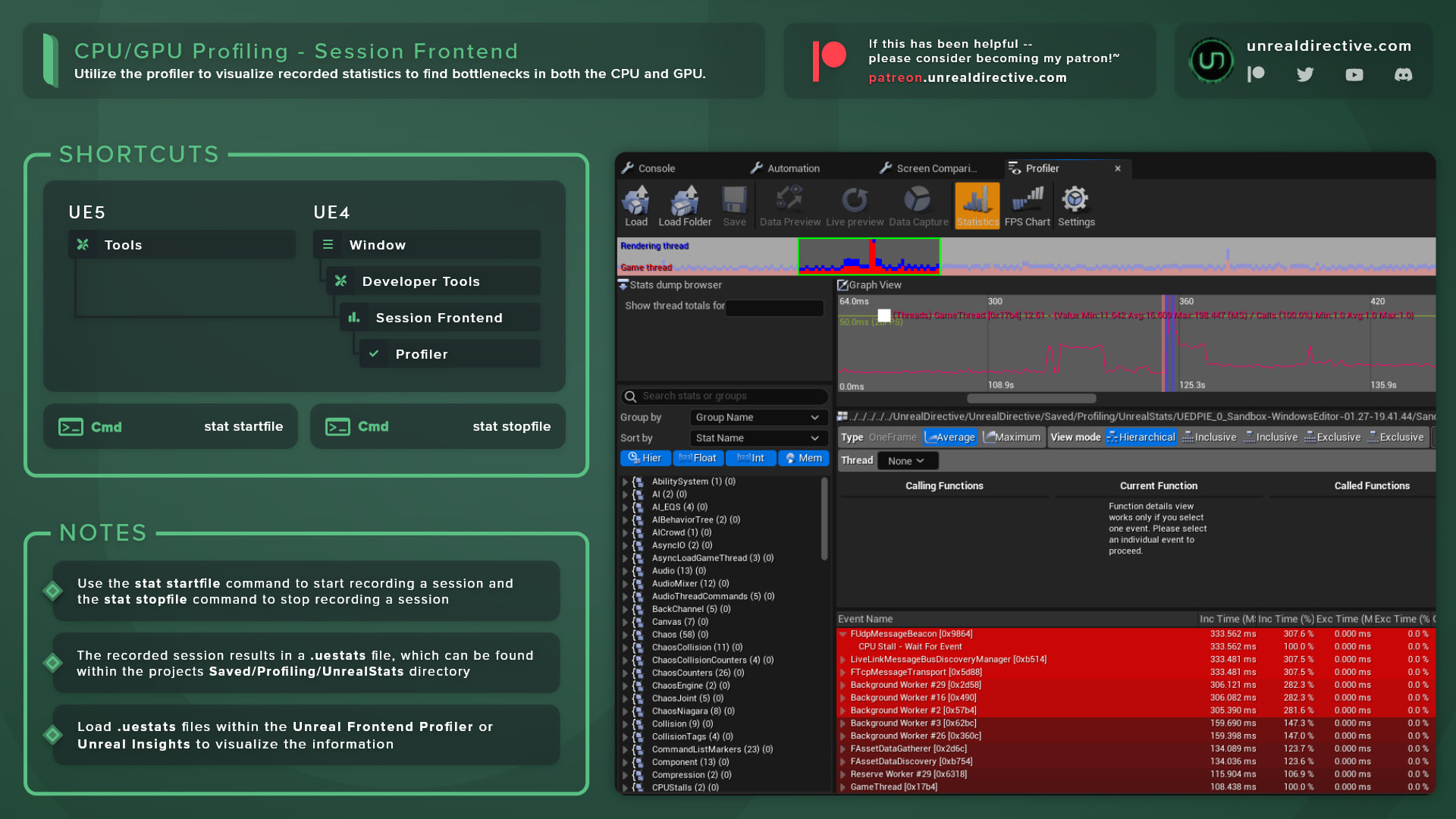
Record a trace from the Session Frontend’s Trace Control tab, then open it in Unreal Insights to find CPU and GPU bottlenecks. You can open the Session Frontend from Tools > Session Frontend.
Unreal Insights replaced the old Session Frontend Profiler tab. In Unreal Engine 5.8, the Session Frontend has these tabs: Session Browser, Console, Automation, Trace Control, and Screen Comparison.
How do I record a trace?
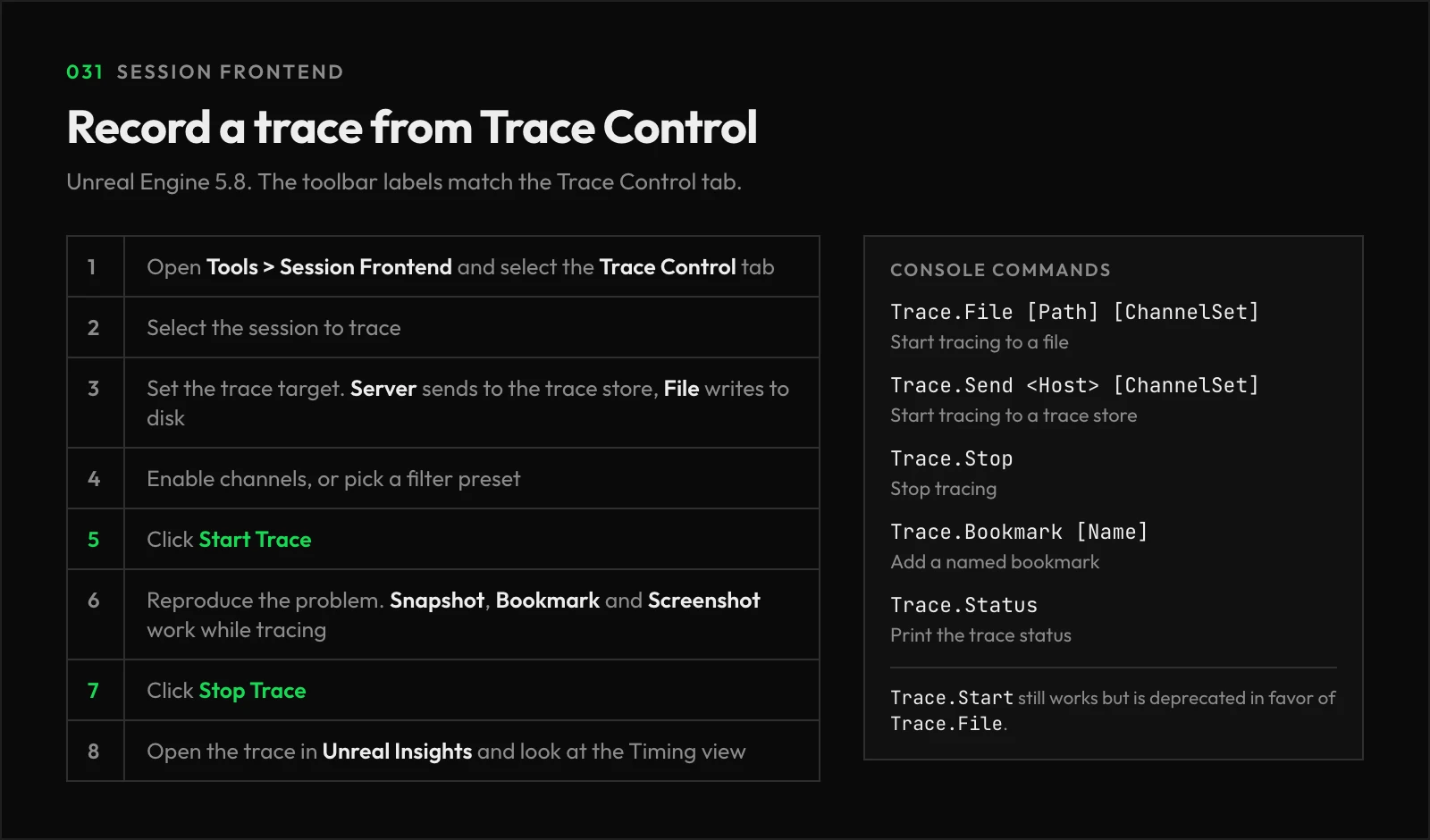
- Open Tools > Session Frontend and select the Trace Control tab.
- Select the session to trace. Editor sessions, Play In Editor sessions, and standalone games launched with
-messagingshow up here. - Pick the trace target. Server sends the trace to the trace store, and File writes it to disk.
- Enable the channels you need, or pick a filter preset.
- Click Start Trace, reproduce the problem, then click Stop Trace.
- Open the trace in Unreal Insights and look at the Timing view.
While tracing, the toolbar can also save a Snapshot, add a Bookmark, or capture a Screenshot into the trace.
Can I record a trace from the console?
Yes. Here are the commands you’ll use most:
| Command | Description |
|---|---|
Trace.File [Path] [ChannelSet] | Starts tracing to a file. |
Trace.Send <Host> [ChannelSet] | Starts tracing to a trace store. |
Trace.Stop | Stops tracing. |
Trace.Bookmark [Name] | Adds a named bookmark to the trace. |
Trace.Status | Prints the current trace status. |
Trace.Start still works, however, it’s deprecated in favor of Trace.File.
Frequently asked questions
How can I see more CPU events in the trace?
Enable Stat Named Events in the Trace Control toolbar. It adds many more CPU events to the trace, along with some overhead, so expect slightly worse timings.
Why can’t I enable the memory channel?
Some channels, such as memory tracing, only work when the session launches with tracing already on.
Links
Check out the following resources to learn more about the subject.
Unreal Directive is free and ad-free.
If it saved you time, you can help keep it that way.