

Print String Output Log Tagging
Add Warning: or Error: to a Print String message to color it yellow or red in the Output Log.
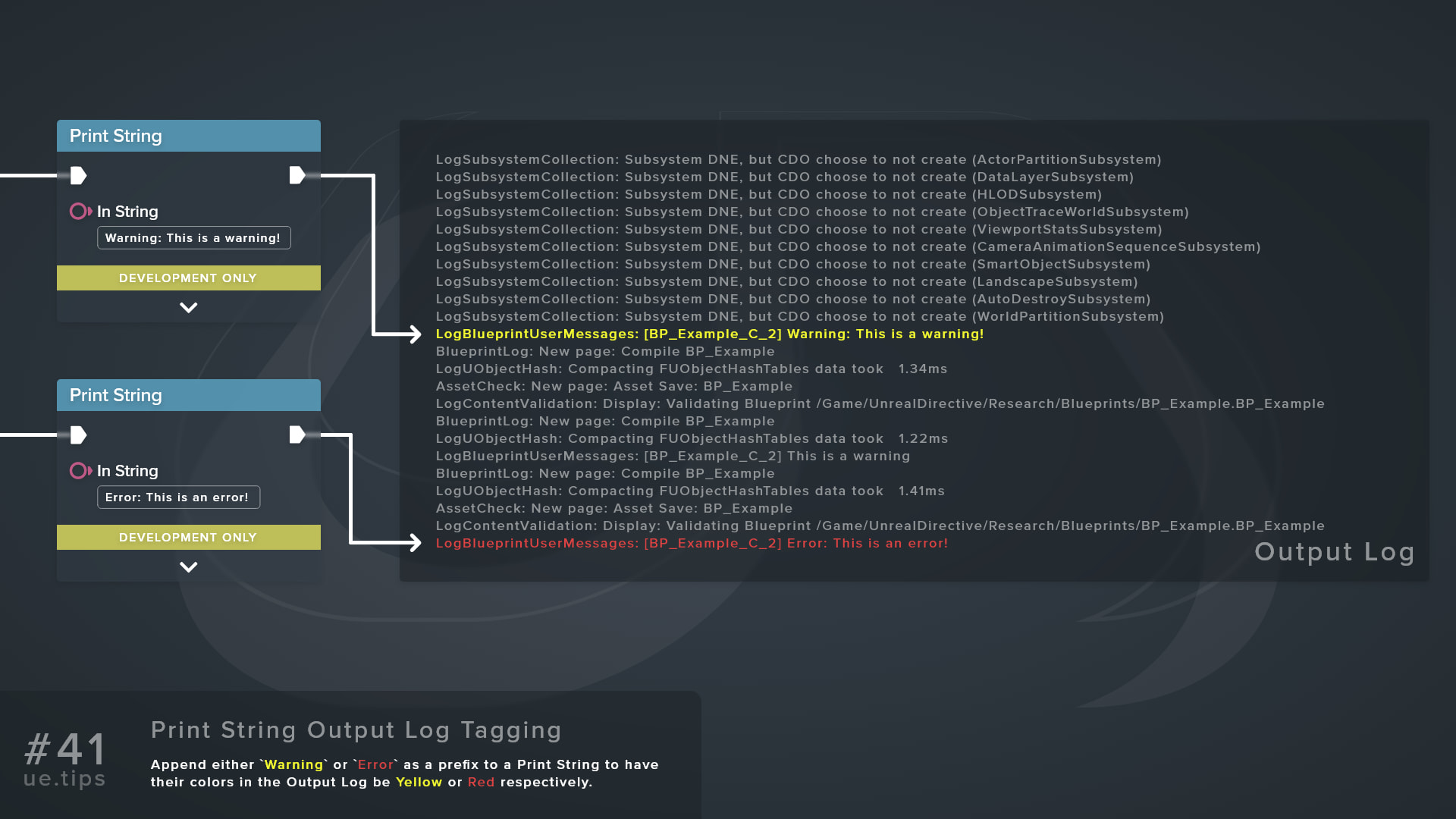
Add either Warning: or Error: to a Print String message to have its line in the Output Log appear yellow or red respectively.
| Text in Message | Output Log Color |
|---|---|
Warning: | Yellow |
Error: | Red |
For example, Error: Inventory is full prints as a red line.
The Output Log looks for these words anywhere in the message and ignores case, however, the colon is required, so a plain Warning stays the default color. Since the match can sit anywhere, the Client 1: or Server: prefix that Print String adds in multiplayer Play In Editor sessions won’t get in the way.
Frequently asked questions
Does this change the log verbosity?
No, it only changes the color. Print String logs to LogBlueprintUserMessages at Log verbosity, so these lines still sit under the Output Log’s Messages filter rather than Warnings or Errors.
Does the on-screen text change color too?
The on-screen text keeps the node’s Text Color, and the prefix has no effect on it.
Does this work outside of Print String?
Yes. The same check applies to Print Text and any other log line, including messages from C++.
Why isn’t my message showing up?
Make sure Print to Log is enabled. With it off, the message logs at Verbose, which generally stays hidden in the Output Log.
Also keep in mind that Print String and Print Text are development-only nodes. They only print in Shipping or Test builds when the target sets USE_LOGGING_IN_SHIPPING.
Links
Check out the following resources to learn more about the subject.
Unreal Directive is free and ad-free.
If it saved you time, you can help keep it that way.